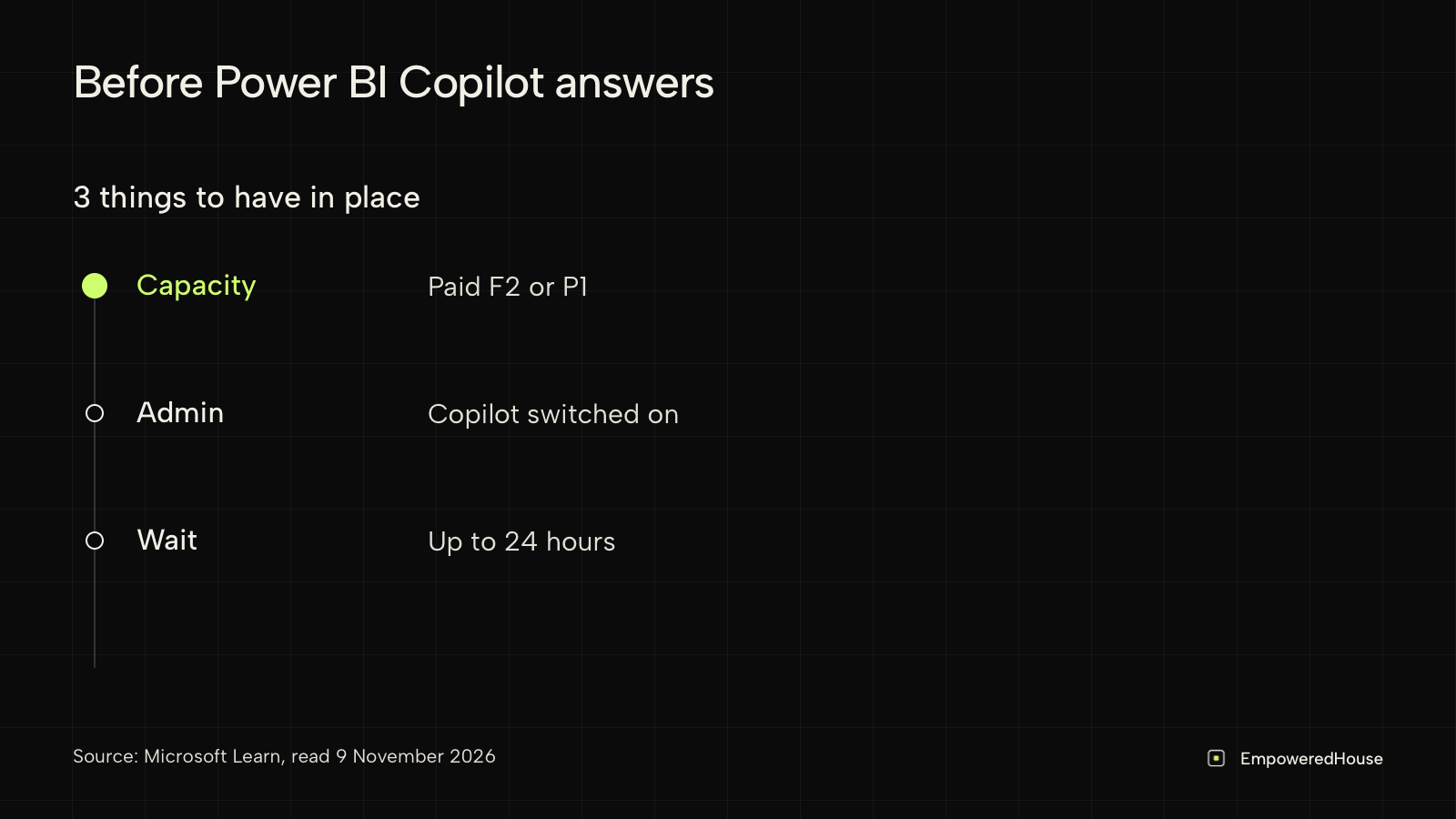
Power BI Copilot limitations start with access: it needs a paid Fabric capacity (F2 or higher) or Power BI Premium (P1 or higher), a supported region and an admin setting that is on¹. A Pro or Premium Per User (PPU) licence alone is not enough, and trial capacities and free SKUs are not supported¹.
Power BI Copilot or Empowered Intelligence: which fits?
Choose Empowered Intelligence if:
- you have 50 to 300 people and no dedicated BI team;
- you track whether a planned change goes to plan, with each claim pointing to its source record;
- a first view of the company, usually the day after connecting, is a useful start.
Choose Power BI Copilot if:
- you already pay for Fabric F2+ or Premium P1+ capacity¹;
- your key numbers live in maintained semantic models⁵;
- people mainly ask about reports they already open¹.
Power BI Copilot requirements at a glance
| Requirement | What Microsoft documents |
|---|---|
| Capacity | Paid Fabric F2 or higher, or Power BI Premium P1 or higher; trial capacities and free SKUs are not supported¹ |
| Licence | A Pro or PPU licence alone is not sufficient; Copilot requires organisational capacity¹ |
| Admin setting | The tenant setting for Copilot must be on; it is on by default and an admin can turn it off¹ or limit it to security groups² |
| Region | The Fabric capacity must be in a supported region¹ |
| Sovereign clouds | Not supported¹ |
| After buying or scaling capacity | Up to 24 hours before Copilot recognises the change¹ |
| Release status | The Copilot pane on reports is generally available; the standalone Power BI agent and Copilot in apps are in preview¹ |
Capacity sorted, but your question is whether a planned change is followed? Name the change and where teams record it. We will reply whether Empowered Intelligence can track it. Check if your change can be tracked.
Does Power BI Copilot work with Pro or PPU?
It depends on where the report and the semantic model live. Microsoft states that workspaces of type Pro, PPU or an unsupported F SKU do not support Copilot³. There are documented routes around that:
- Copilot pane in a report in the Power BI service. The report must sit in a workspace on Premium P1 or higher, or on paid Fabric capacity¹.
- A report in a Pro or PPU workspace. You can use Copilot in it as long as the report connects to a semantic model in a supported workspace³.
- Power BI Desktop. You need write access to a workspace on paid Fabric or Premium capacity where you plan to publish¹.
- Pro and PPU workspaces themselves. Enable a Fabric Copilot capacity and assign the workspace to it².
- Standalone Copilot (preview). You need a Fabric Copilot capacity, or access to a workspace on a Copilot-enabled capacity of F2 or higher in a supported region¹.
On Pro licences only, decide which capacity Copilot will run on before anyone asks it a question.
What data can Copilot answer questions about?
When a question relates to data in the semantic model, Copilot uses the model to answer. Otherwise, Microsoft says, it answers from the large language model's general knowledge¹.
To answer, Copilot reads the model schema, linguistic schema, descriptions and data types, and metadata from the current report page. Hidden report pages, hidden fields and tables marked as private are excluded⁴. Microsoft also says that if you do not prepare the data, the model and the users, outputs can be low quality, inaccurate or even misleading⁴.
Microsoft's preparation checklist⁵:
- Start with focused business questions and define the expected measure, filters, date basis and validated result for each.
- Add business-critical calculations as reviewed measures, for example gross margin divided by an approved net sales measure.
- Fix modelling issues in the model itself. Extra instructions cannot correct wrong relationships or aggregations.
- Write descriptions for measures, tables and columns. Copilot uses only the first 200 characters.
Take an example. Your model holds an approved gross margin measure by branch. The board adds a rule: discounts above an agreed threshold need a manager's sign-off. Copilot can answer "what was gross margin by branch last quarter" from the model. Whether reps asked for sign-off depends on where that is recorded. If it sits in meeting notes and emails outside the model, the model has nothing to answer from, and bringing that data into the model is a modelling project of its own.
Which Power BI Copilot limitations depend on region or admin settings?
- Capacity region. If your Fabric capacity is not in a supported region, you cannot use Copilot⁵.
- Experiences by region. The standalone Copilot and Copilot in apps are not yet available in France South, Germany North, Norway West and other regions¹.
- Data boundary. If your tenant or capacity is outside the United States or EU data boundary, Copilot is off by default unless an admin allows data to be processed outside the region¹ ².
- Scope of the switch. Admins can limit Copilot to security groups², but they cannot switch it on for single workloads or single experiences: users who get Copilot get all of them⁴.
When is the problem bigger than a BI report?
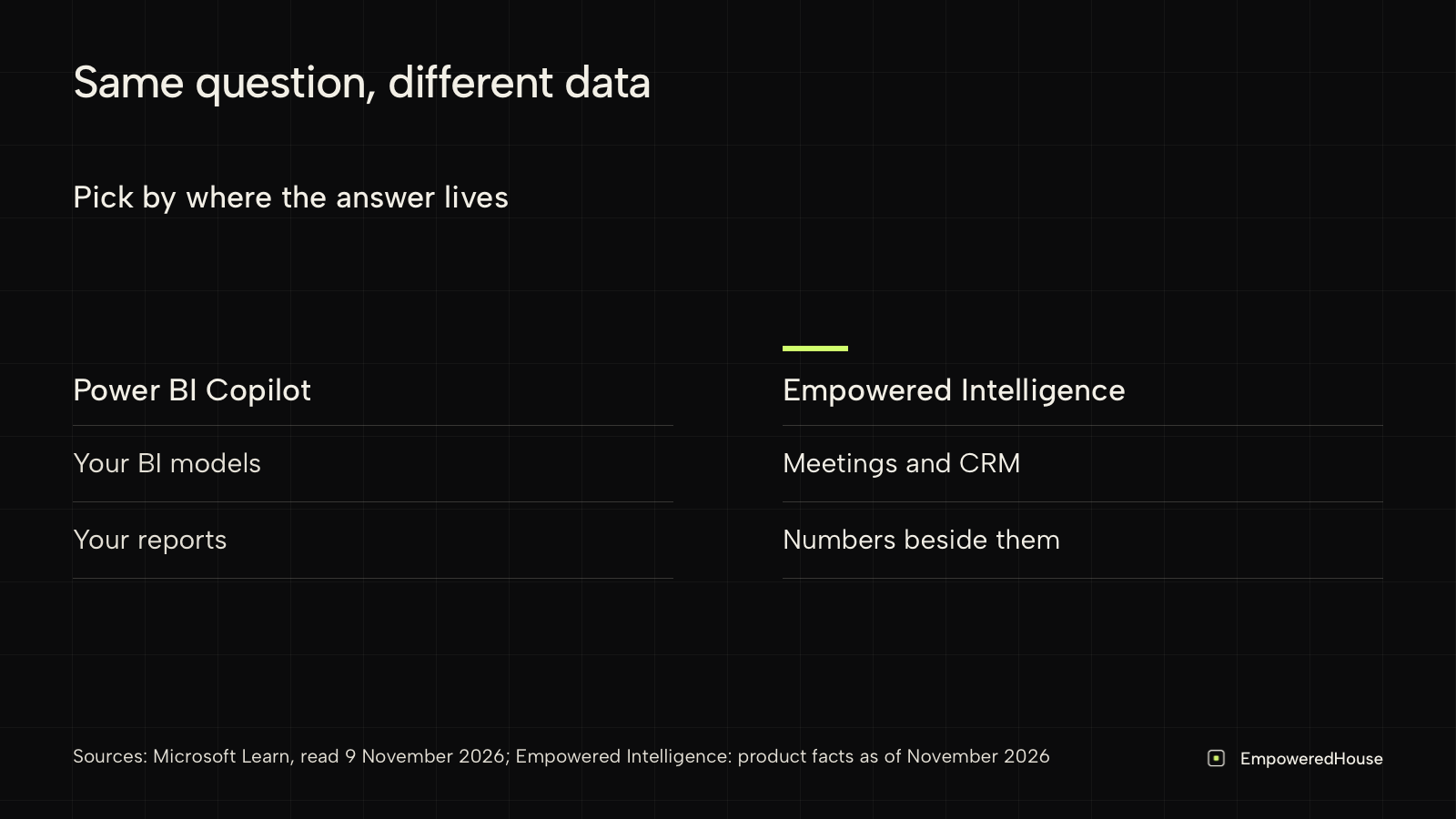
Empowered Intelligence is not a like-for-like replacement for Power BI Copilot. It does not build semantic models and is not meant to replace your BI reports. It does a different job: tracking whether a planned change lands, with evidence from your records next to hard metrics.
In the margin example, Copilot shows margin by branch. Whether reps follow the sign-off rule shows up in meetings, documents and the CRM.
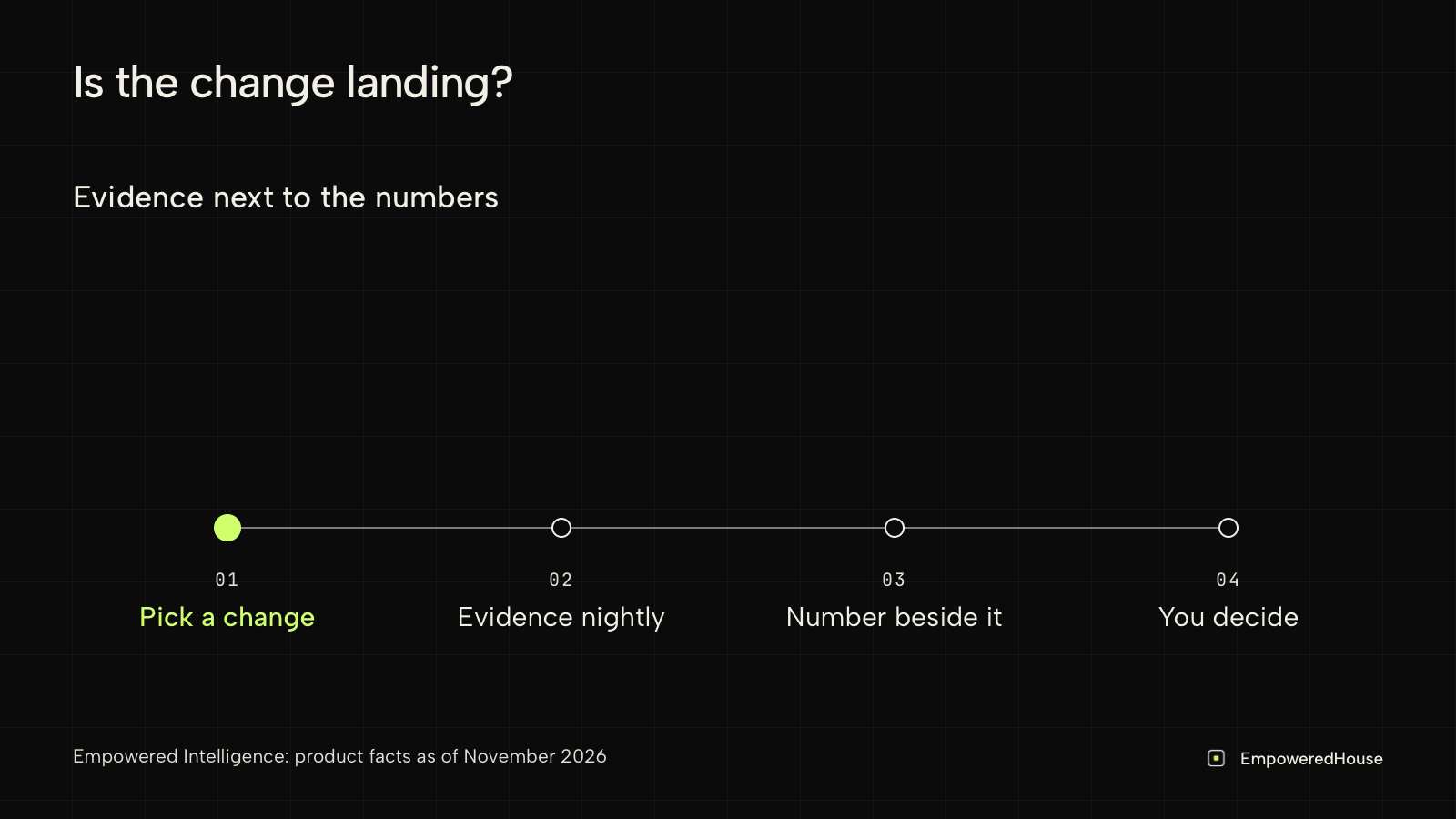
- You see early whether the rule is applied. Empowered Intelligence can propose questions to watch, and the owner decides which to open. Claims from new records are linked to the question as data arrives each night.
- Each claim points to the record it came from, so the review starts 1 step from the source.
- Hard metrics sit next to the claims, so you see whether margin moves while the rule is applied.
The Empowered House team connects your sources, read-only. A first view of the company usually arrives the day after connecting: a first view, not a finished rollout. Live today, it connects to Roam, Google Meet, Notion, Airtable, Attio and Recruitee, plus Excel or CSV files that we connect for you (integrations). Power BI is not among the live connections today. Empowered Intelligence does not check whether data in your CRM or ERP is correct. More in what Empowered Intelligence is.
When is Power BI Copilot the right choice?
Switch Power BI Copilot on when:
- The capacity is already paid for and your admin can enable it².
- Your key numbers live in semantic models with reviewed measures, so the modelling work carries over⁵.
- People mainly ask about reports they already open, where the Copilot pane sits¹.
Then a second tool for the same report questions adds cost and setup.
FAQ
Does Power BI Copilot work with a Pro licence?
Not on its own. The report needs a workspace on F2 or P1 capacity or higher, or must connect to a semantic model in a supported workspace¹ ³. A Pro workspace can also be assigned to a Fabric Copilot capacity².
Does Power BI Copilot work on a trial capacity?
No. Microsoft lists trial capacities and free SKUs as not supported¹.
Why is Copilot not showing in Power BI?
Common causes: the admin setting is off, the capacity is in an unsupported region, the capacity was bought or scaled up less than 24 hours ago, or the report sits in an unsupported workspace¹.
How do I prepare a semantic model for Copilot?
Follow the checklist above: focused questions with validated results, reviewed measures, fixes in the model, and descriptions, of which Copilot reads the first 200 characters⁵.
Can Power BI Copilot show whether a new sales rule is being followed?
Only if the evidence is in the semantic model¹. If it lives in meetings and documents, either model that data or use a separate review workflow.
If Copilot already answers your margin questions and reviews still ask whether teams apply the rule, send us 1 rule and the tools where it leaves a trace. We will tell you if it fits Empowered Intelligence. Talk to us about 1 rule.
Sources
- Microsoft Learn, "Copilot for Power BI overview", page dated 2026-08-24, read 2026-11-09: learn.microsoft.com
- Microsoft Learn, "Enable and configure Copilot in Microsoft Fabric", page dated 2026-08-10, read 2026-11-09: learn.microsoft.com
- Microsoft Learn, "Copilot in Power BI integration overview", page dated 2026-04-21, read 2026-11-09: learn.microsoft.com
- Microsoft Learn, "Use Copilot with semantic models", page dated 2026-04-20, read 2026-11-09: learn.microsoft.com
- Microsoft Learn, "Optimize your semantic model for Copilot in Power BI", page dated 2026-07-06, read 2026-11-09: learn.microsoft.com